

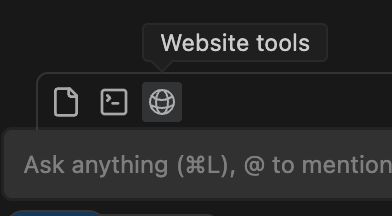
Windsurf Previews allow you to view the local deployment of your app either in the IDE or in the browser (optimized for Google Chrome, Arc, and Chromium based browsers) with listeners, allowing you to iterate rapidly by easily sending elements and errors back to Cascade as context. Windsurf Previews are opened via tool call, so just ask Cascade to preview your site to get started. Alternatively, you can also click the Web icon in the Cascade toolbar to automatically propagate the natural language prompt to enter the proxy.Documentation Index
Fetch the complete documentation index at: https://docs.windsurf.com/llms.txt
Use this file to discover all available pages before exploring further.
Send Elements to Cascade
In the Preview, you can select and send elements/components and errors directly to Cascade. Simply click on the “Send element” button on the bottom right and then proceed to select the element you want to send. The selected element will be inserted into your current Cascade prompt as an@ mention. You can add as many elements as you want in the prompt.