

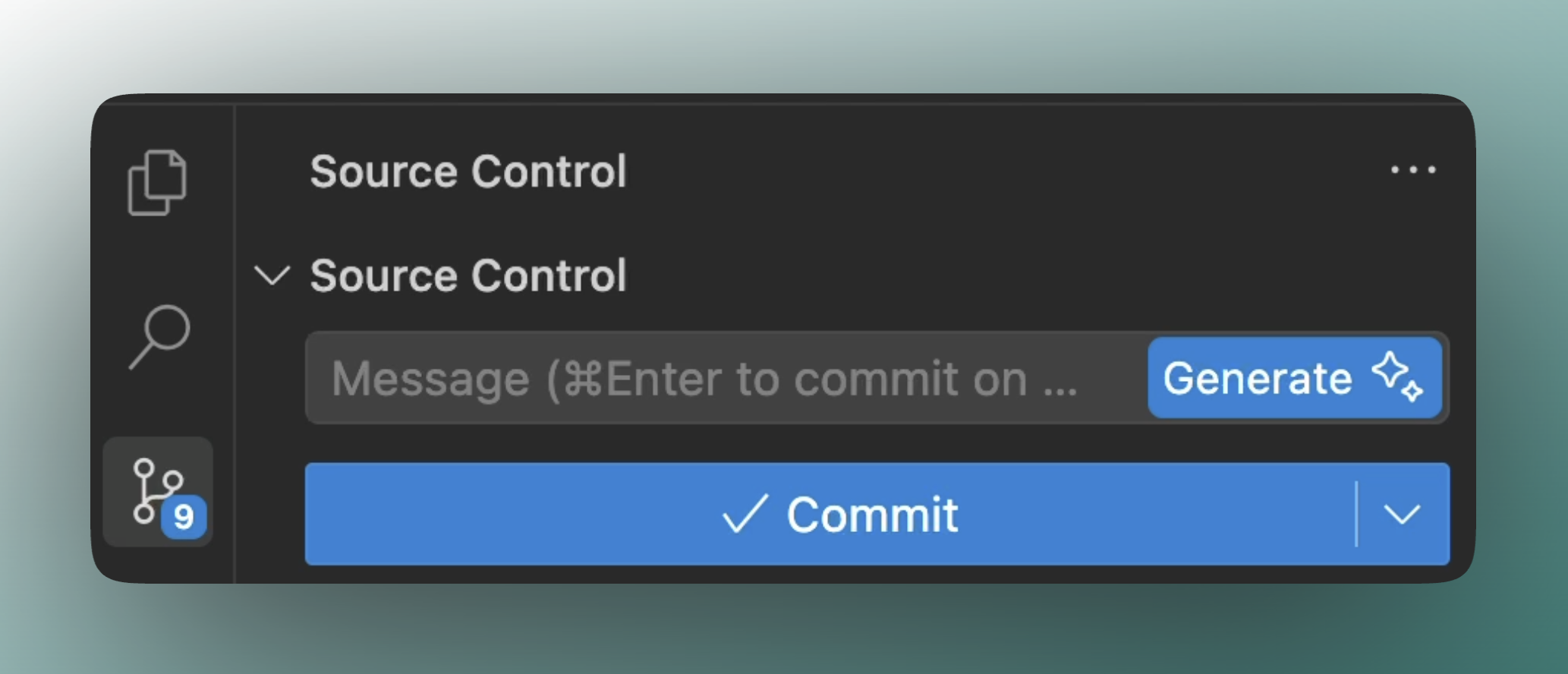
Generate git commit messages with a single click. This feature analyzes your code changes and creates meaningful commit messages that describe what you’ve done. Available with no limits to all paid users!Documentation Index
Fetch the complete documentation index at: https://docs.windsurf.com/llms.txt
Use this file to discover all available pages before exploring further.
How It Works
When you’re ready to commit changes:- Stage your files in the Git panel
- Click the sparkle (✨) icon next to the commit message field
- Review the generated message and edit if needed
- Complete your commit
Best Practices
For better results:- Apply general best practices for commit scope: group together small, meaningful units of changes
- Review the message before committing
Limitations
- Large or complex commits may result in more generic messages
- Specialized terminology might not always be captured perfectly
- Generated messages are suggestions and may need editing