> ## Documentation Index
> Fetch the complete documentation index at: https://docs.windsurf.com/llms.txt
> Use this file to discover all available pages before exploring further.
# DeepWiki
> 借助 DeepWiki 获取由 AI 驱动的代码符号说明。将鼠标悬停在函数、变量和类上,帮助你理解代码库中不熟悉的代码。
我们已在 Windsurf Editor 中集成了 [Devin 的 DeepWiki 功能](https://docs.devin.ai/work-with-devin/deepwiki)。用它来快速掌握代码库中不熟悉的部分。
你可以在主侧边栏 / 活动栏中找到 DeepWiki 界面。
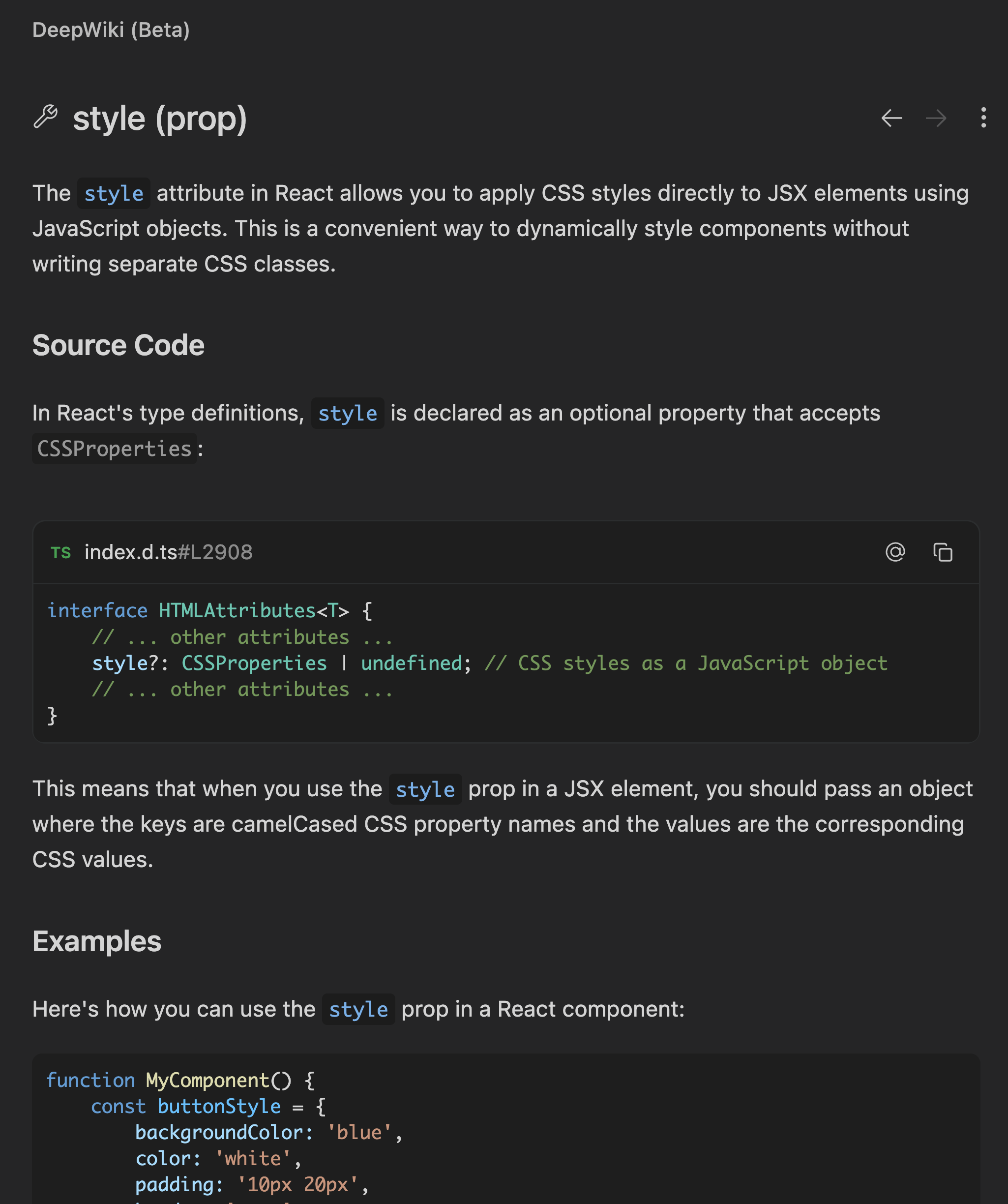
使用 DeepWiki 时,将鼠标悬停在代码中的某个符号上,然后按下 `Cmd+Shift+Click`,即可打开该符号的详细说明。
与只显示基本类型信息的传统悬浮提示不同,DeepWiki 驱动的悬浮说明会在你阅读代码时解释函数、变量和类。
你可以点击 DeepWiki 面板右上角的 `⋮` 按钮,并选择 `Add to Cascade`,将 DeepWiki 的说明以 `@-mention` 的形式发送到 Cascade。