> ## Documentation Index
> Fetch the complete documentation index at: https://docs.windsurf.com/llms.txt
> Use this file to discover all available pages before exploring further.
# DeepWiki
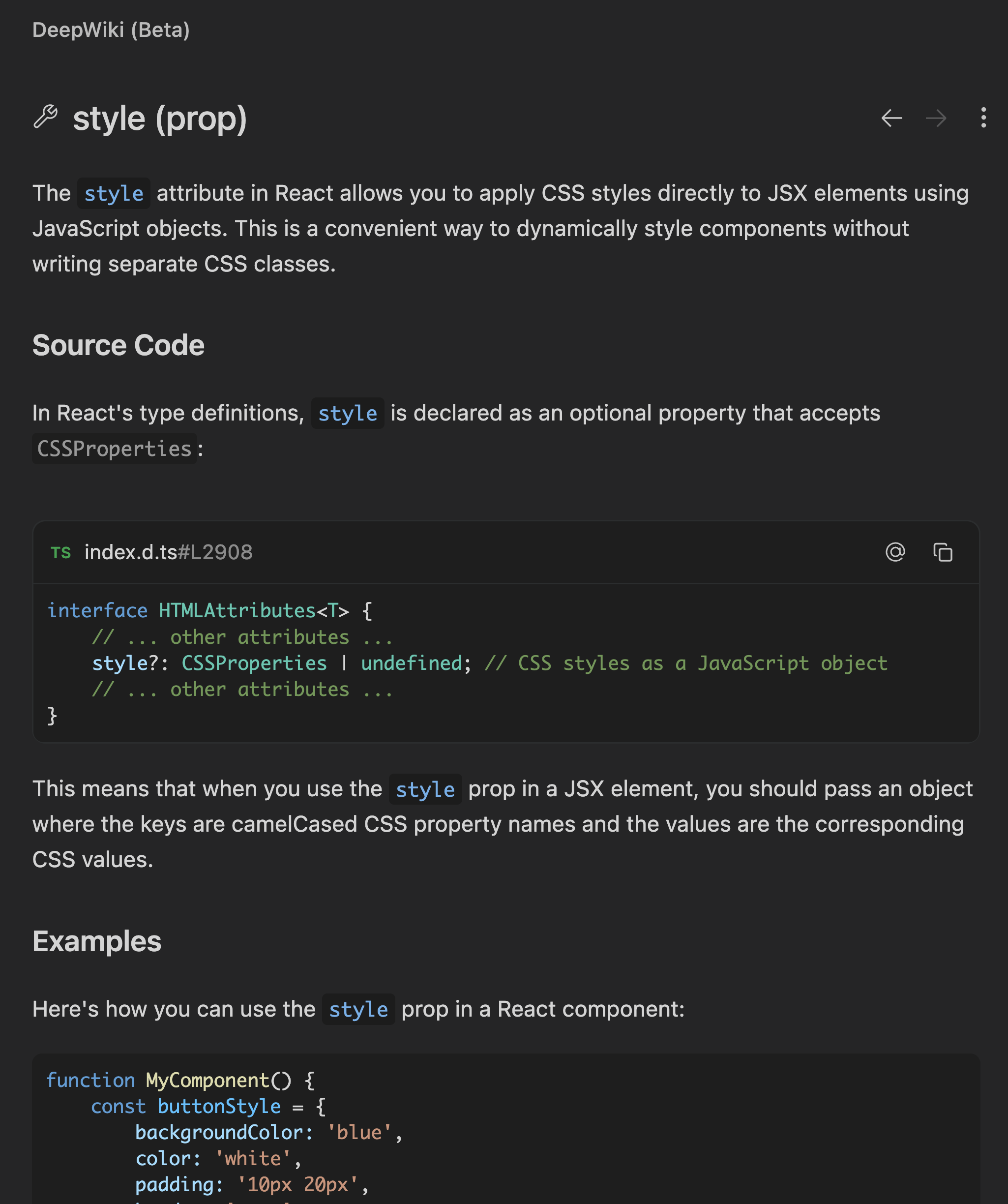
> DeepWiki を使って、コードシンボルの AI を活用した解説を確認できます。関数・変数・クラスにホバーして、コードベース内のなじみのないコードを理解しましょう。
Windsurf Editor に[Devin の DeepWiki 機能](https://docs.devin.ai/work-with-devin/deepwiki)を統合しました。コードベースの不慣れな部分をすばやく把握するのに役立ちます。
DeepWiki のインターフェースは Primary Side Bar / Activity Bar にあります。
DeepWiki を使うには、コード内のシンボルにホバーし、`Cmd+Shift+Click` でそのシンボルの詳しい解説を開きます。
基本的な型情報のみを表示する従来のホバーカードと異なり、DeepWiki のホバーは、コードを読み進めながら関数・変数・クラスを解説します。
DeepWiki の解説は、DeepWiki パネル右上の `⋮` ボタンをクリックして `Add to Cascade` を選ぶと、`@-mention` として Cascade に送信できます。