> ## Documentation Index
> Fetch the complete documentation index at: https://docs.windsurf.com/llms.txt
> Use this file to discover all available pages before exploring further.
# Windsurf ログの収集
> トラブルシューティングのために、コマンドパレットまたは Cascade パネルを使用して Windsurf Editor から診断ログをダウンロードする方法です。
問題が発生した場合、トラブルシューティングの第一歩は IDE のログを取得することです。主要な IDE ごとに Windsurf のログを取得する方法は次のとおりです。
## Windsurf
1. コマンドパレット(`Ctrl/Cmd + Shift + P` または View > Command Palette)を開きます
2. "Download Windsurf Logs" と入力し、"Download Windsurf Logs File" と表示されるオプションを選択します
3. ログをエクスポートまたはコピーし、チケットにファイルを添付します。
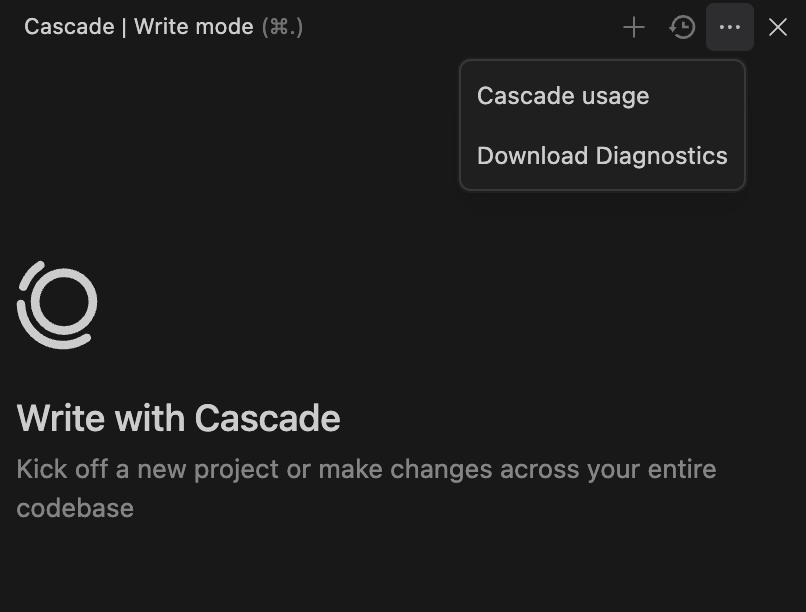
または、Cascade パネル右上の三点メニューをクリックし、"Download Diagnostics" を選択します。